
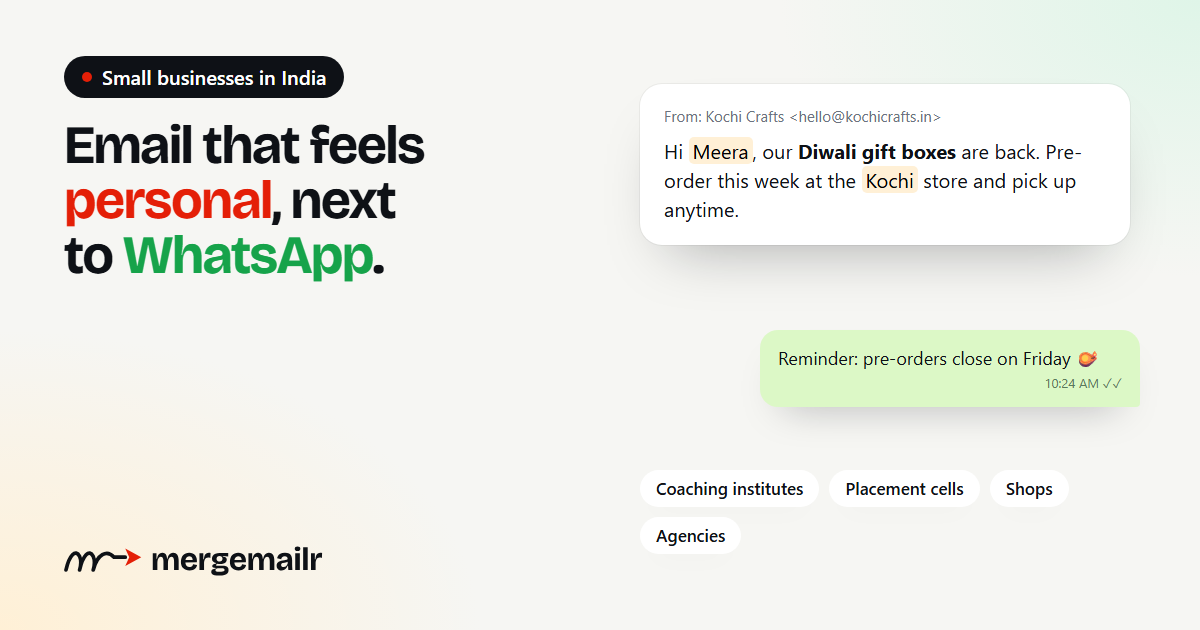
Ask a small business owner in India how they reach their customers and the answer is usually WhatsApp, phone calls and, for some, Instagram. Email rarely comes up. That is a missed opportunity. Email is free to send from your own account, it is the place where people keep receipts, admission letters and offer letters, and a well-written email still feels more personal than another forwarded message. This guide shows how small businesses, institutes and agencies in India can use email well without a marketing team.
Why email still matters
- You own the list. A social media account can be restricted or lose reach overnight. Your customers' email addresses stay with you.
- It suits longer messages. A course schedule, a price list, an event invite with directions or a monthly update is easier to read in an email than in a chat bubble.
- It is low cost. Sending from your own Gmail or business mailbox costs nothing beyond what you already pay.
- It works well alongside WhatsApp. A detailed email followed by a short WhatsApp reminder often works better than either on its own.
Who it works best for
Email helps any business that has repeat customers or ongoing relationships. A few examples:
- Coaching institutes and schools: batch timings, test schedules, results and fee reminders sent to students and parents.
- College placement cells: drive announcements, shortlists and reporting instructions for students.
- Shops, D2C brands and manufacturers: new arrivals, festive offers, order updates and catalogues for existing customers and dealers.
- Agencies and freelancers: monthly reports, project updates and invoices for their clients.
- Clinics, gyms and studios: appointment reminders, timetable changes and membership renewals.
Start with consent
The people you email should be people who agreed to hear from you: customers who bought from you, students who enrolled, members who signed up, visitors who filled your enquiry form. India's Digital Personal Data Protection Act, 2023 is built around consent for using personal data, and inbox providers like Gmail punish senders whose emails people did not ask for.
In practice, this means adding a simple line to your forms and billing counters, such as "Can we email you updates and offers?", and keeping a note of who said yes. Never buy email lists or copy addresses from websites. Those emails rarely get read and quickly damage the reputation of your email address.
Build your list the simple way
- Add an email field to your Google Form, website enquiry form or admission form.
- Ask for the email at the billing counter or when you share an invoice.
- Export your existing customer or student data from your billing, CRM or school software into Excel.
- Keep separate lists for separate groups, such as "JEE 2027 batch", "Dealers – Gujarat" or "Diwali 2026 customers".
What to send
The best emails are useful first and promotional second. Some ideas that work well for Indian small businesses:
- Festive campaigns for Diwali, Navratri, Eid, Christmas, Pongal or Onam, sent a week or two before the festival, not on the day.
- Monthly updates: new products, a short tip, upcoming events and one clear call to action.
- Reminders: fee due dates, appointment confirmations, renewal notices and event reminders.
- Announcements: a new branch, new timings, a new course batch or a price change.
- Thank-you emails after a purchase or a completed course, with a request for feedback.
Personalise every email
An email that starts "Dear Customer" feels like a mass message. One that starts "Hi Ananya, your JEE Main weekend batch starts Monday at 9 AM" feels written for her. With a mail merge tool like MergeMailr, you write the email once with placeholders like {{first_name}}, {{course}} or {{city}}, and every person gets their own version, sent from your own Gmail or business mailbox.
Keep the tone warm and simple. Write in the language your customers use with you. A short email in plain English, or a familiar mix of English and Hindi for a local audience, often does better than formal corporate language.
Timing and frequency
- Send when people read email. Mornings on working days usually work for professionals and students; evenings can work better for shoppers. Your own campaign reports will show what works for your audience.
- Schedule in your time zone. MergeMailr schedules campaigns in your own time zone, so 10 AM means 10 AM IST.
- Be consistent. One useful email a month is better than five emails in one week followed by months of silence.
- Plan festive campaigns early. Inboxes get crowded in the last few days before a big festival.
Stay within the rules
- Include an unsubscribe link and stop emailing people who use it. MergeMailr adds one to every campaign email and handles this automatically.
- Respect sending limits. A personal Gmail account can send around 500 emails a day, and Google Workspace around 2,000. Sending in a steady, spaced-out way protects your account.
- Use an address people can reply to, and actually read the replies.
- Add your business name and city at the bottom of your emails so people know who you are.
Measure, then improve
After each campaign, look at how many emails were delivered, how many people opened them, who clicked your links and who unsubscribed. You do not need complex dashboards. Ask simple questions: Which subject lines got more opens? Did the festive email do better when sent earlier? Did shorter emails get more replies? Small changes based on your own results add up over a few months.
Getting started this week
- Collect the emails you already have from customers or students who agreed to hear from you, in one Excel sheet.
- Write one useful email: an update, a reminder or a festive greeting with an offer.
- Personalise it with their first name and one more detail.
- Send a test to yourself, then send it to your list.
- Read the replies and check the report.
Email does not need to be complicated or expensive. Start small, send to people who want to hear from you, and make every message feel personal.