
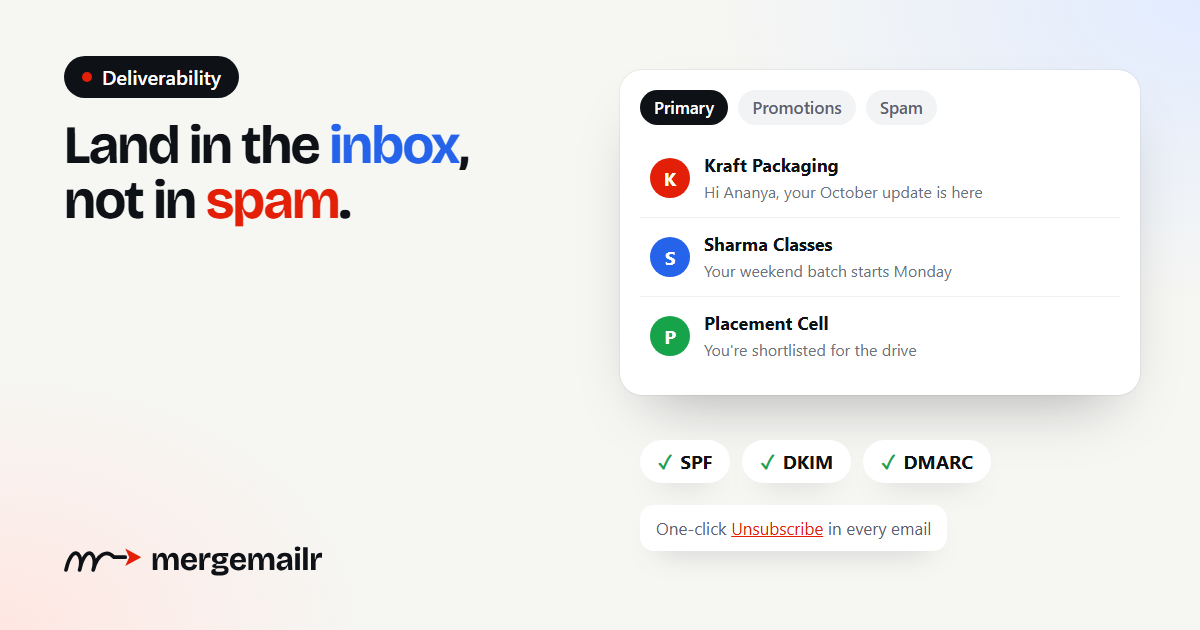
You wrote a good email, chose the right list and pressed send. Whether anyone reads it now depends on deliverability: whether the email reaches the inbox, lands in spam or never arrives at all. The good news is that deliverability is mostly about habits you control. This guide covers the ones that matter most for small teams sending from their own Gmail or business mailbox.
What deliverability actually means
Inbox providers like Gmail, Outlook and Yahoo decide where each email goes. They look at who sent it, whether the sender is who they claim to be, and how people reacted to that sender's previous emails. "Delivered" only means the receiving server accepted the email. "Inboxed" means it reached the main inbox where people actually see it. Your goal is the second one.
1. Email only people who agreed to hear from you
This is the single biggest factor, and no technical trick makes up for ignoring it. When people receive emails they never asked for, they ignore them or mark them as spam, and providers learn to treat everything from your address with suspicion.
Gmail's sender guidelines ask senders to keep their spam complaint rate low and to only email people who want their messages. Bought lists, scraped addresses and contacts collected without asking will hurt your reputation quickly. Email your customers, students, members and subscribers, and nobody else.
2. Make it easy to unsubscribe
It sounds backwards, but a clear unsubscribe link protects your deliverability. Someone who wants to stop hearing from you will either unsubscribe or click "Report spam". The first has no cost to you; the second damages your reputation.
Gmail and Yahoo now expect bulk senders to support one-click unsubscribe, a special email header that lets people leave with a single click from their inbox, and to honour requests within two days. MergeMailr adds a visible unsubscribe link and the one-click header to every campaign email, and removes people from your future campaigns the moment they unsubscribe.
3. Prove you are who you say you are
Email authentication tells the receiving server that your emails really come from you. There are three standards:
- SPF lists the servers that are allowed to send email for your domain.
- DKIM adds a digital signature to each email, so the receiver can check it was not changed on the way.
- DMARC tells receivers what to do when SPF or DKIM checks fail, and sends you reports.
If you send from a regular Gmail address, Google handles authentication for you. If you send from your own domain, for example through Google Workspace, Zoho or another SMTP provider, set up SPF, DKIM and DMARC in your domain's DNS settings. Your email provider's help pages give you the exact records to add.
4. Send from a real address, at a human pace
Use an address people recognise and can reply to, such as your name at your company, not a no-reply address. Replies are a strong positive signal to inbox providers, and they are the reason you are sending in the first place.
Pace matters too. Hundreds of emails fired in the same second look like a spam run. MergeMailr spaces emails out with a slightly random gap, 30 to 60 seconds by default, which is closer to how a person sends. It also keeps each mailbox within a daily limit, 500 emails a day for a personal Gmail and 2,000 for Google Workspace, and continues automatically after 24 hours when a campaign reaches the limit.
5. Keep your list clean
Sending to addresses that do not exist tells providers you do not look after your list. Before importing, remove duplicates, fix typos such as gmial.com and drop addresses on domains that cannot receive email. MergeMailr checks every address at import and skips the ones that will clearly fail.
After each campaign, look at failed sends. Remove addresses that keep failing, and consider removing people who have not opened anything in a long time.
6. Write like a person
Spam filters have moved far beyond counting "spammy words", but the way you write still matters, mostly because it affects how people respond.
- Write a clear, honest subject line that matches what is inside.
- Personalise beyond the first name where you can: their course, their order, their city.
- Keep the design simple. A short, mostly-text email often does better than a large image with a few words on it.
- Use a small number of links, and make sure they point to sites you trust.
- Send a plain-text version along with the HTML. MergeMailr does this automatically.
7. Watch the right numbers
Your campaign report tells you how things are going. A rising number of failed sends points to list quality problems. Falling open rates over several campaigns can mean your emails are drifting into spam, or simply that people are less interested. Unsubscribes are normal, but a sudden jump after one campaign is worth a closer look at what you sent.
Open tracking is always an estimate, because some email apps load images automatically and others block them. Look at trends over several campaigns rather than one number from one send.
A short checklist before every campaign
- Everyone on the list agreed to hear from you.
- Your sending domain has SPF, DKIM and DMARC set up, or you send from a regular Gmail address.
- The list is cleaned: no duplicates, typos fixed, old failures removed.
- The subject line is honest and the email reads like it came from a person.
- You sent yourself a test email and checked how it looks.
- An unsubscribe link is in the email.
Deliverability is earned slowly and lost quickly. Send relevant emails to people who want them, make leaving easy, and your emails will keep reaching the inbox.